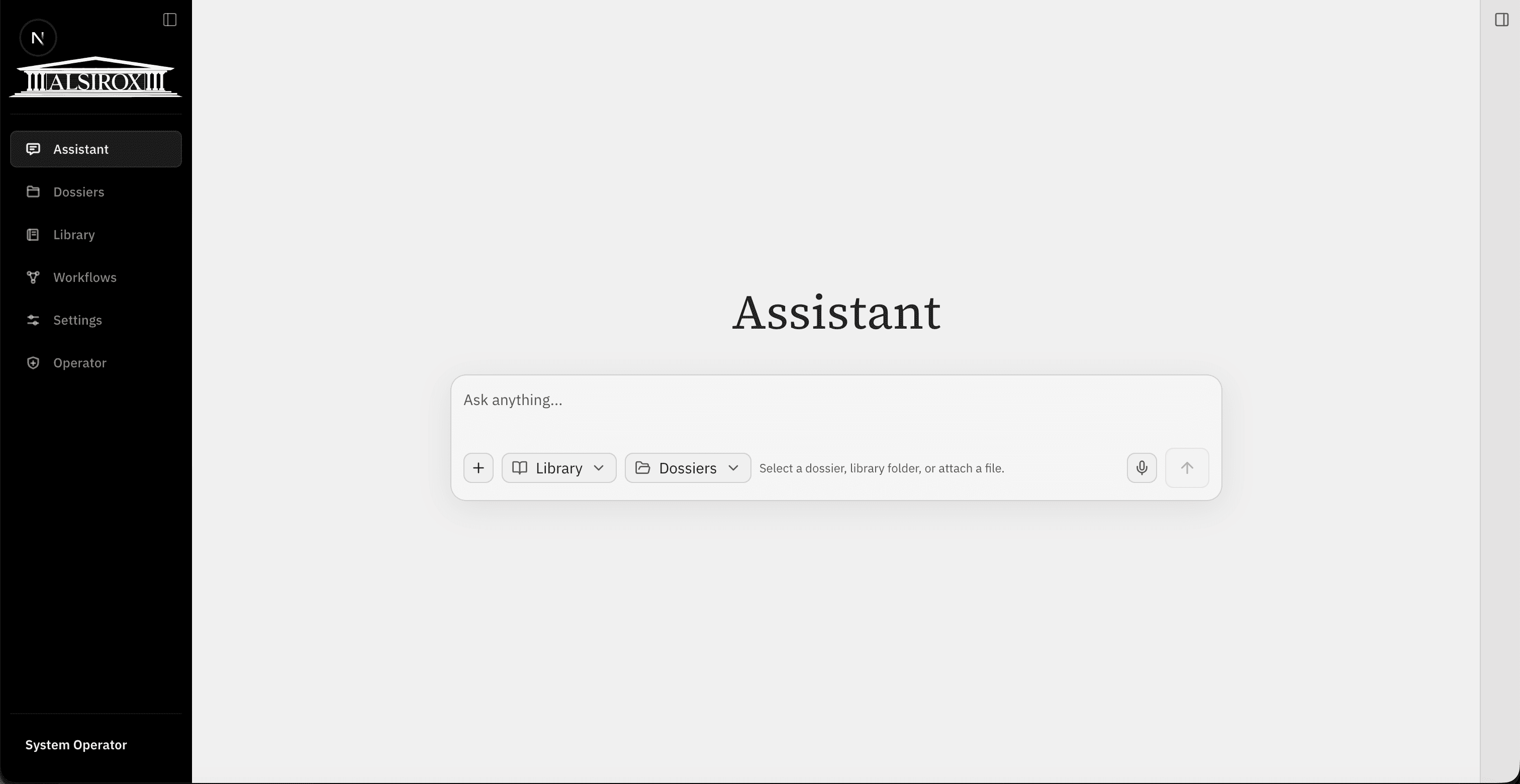
Ask questions and work from selected dossier or library context.
Work faster with a premium legal AI workspace.
Turn complex case materials into clear analysis, structured arguments, and first drafts, with every step grounded in the file. Alsirox keeps legal work moving, with control.
Platform
One platform, every surface
Use Alsirox in the web workspace, mobile PWA, Word add-in, and upcoming Outlook add-in while keeping each matter connected.
Solutions
One workspace for every legal move
Assistant, dossiers, workflows, and library tools work together so each matter can move from source material to reviewable output without losing context.
Matter
Keep documents, decisions, drafts, and workflow history attached to the matter.
Move findings into claim review, chronology, issue structure, and draft preparation.
Reuse office templates, precedents, and shared knowledge without mixing client files.
Security
Control stays visible at every step.
Permissions, source evidence, review status, and workflow history stay visible so legal teams can trust what changed, who acted, and why.
PermissionsSource evidenceReview statusWorkflow historyAudit trail
Control areaVisible signal
Permission scope
Dossier access stays bounded
Admins and participants define who can open files, workflow history, and draft outputs.
Signal: role-based access
Evidence trail
Sources stay attached
Outputs keep references and support signals visible before a lawyer relies on them.
Signal: source evidence
Review history
Actions remain inspectable
Workflow runs, status changes, and draft versions stay tied to the matter.
Signal: workflow history
About
Built for lawyers, shaped by legal practice.
Alsirox is designed around the way lawyers prepare matters: organize evidence, question the file, structure the response, and keep judgment in human hands.
01
File-first by default
Each workspace begins with the matter, not a blank prompt or disconnected chat.
Documents, questions, draft history, and decisions stay attached to the same file.
02
Context before output
The product keeps source material and workflow state close to the answer or draft.
The goal is faster preparation without losing the reasoning trail a lawyer needs.
03
Review stays central
Signals, references, and warnings are presented before work product is treated as final.
Alsirox supports legal judgment; it does not replace it.
04
Built for offices
Library material, permissions, and shared patterns can support the whole team.
The system is designed for repeatable legal work across matters and languages.
Why not generic AI?
Legal work needs context, not another blank chat.
Generic AI tools can answer questions, but legal work needs more than answers. A lawyer needs the file, chronology, source passages, draft history, and reasoning trail in one place.
Dossier-based structureGrounded draftingWorkflow historyHuman review required
Access follows the dossier
Dossier participants and admins define who can see files, workflow history, and draft outputs.
References stay visible
Workflow outputs surface source references, support status, and warnings when retrieval is thin.
Human review stays mandatory
Alsirox accelerates legal work, but the lawyer remains responsible for review and final judgment.
The smart workspace for legal work
Ready to test Alsirox on real dossier work?
Request pilot access and see how a case file becomes structured analysis, argument paths, and source-backed drafts.