Available
Web workspace
The full dossier workspace — upload, ask, review, build, and draft, all in the browser. No install.
Loading...
Documents, workflow runs, draft history, references, and office knowledge stay connected inside each matter. Move from file review to source-backed work product without rebuilding context — the matter memory stays intact from first upload to final draft.
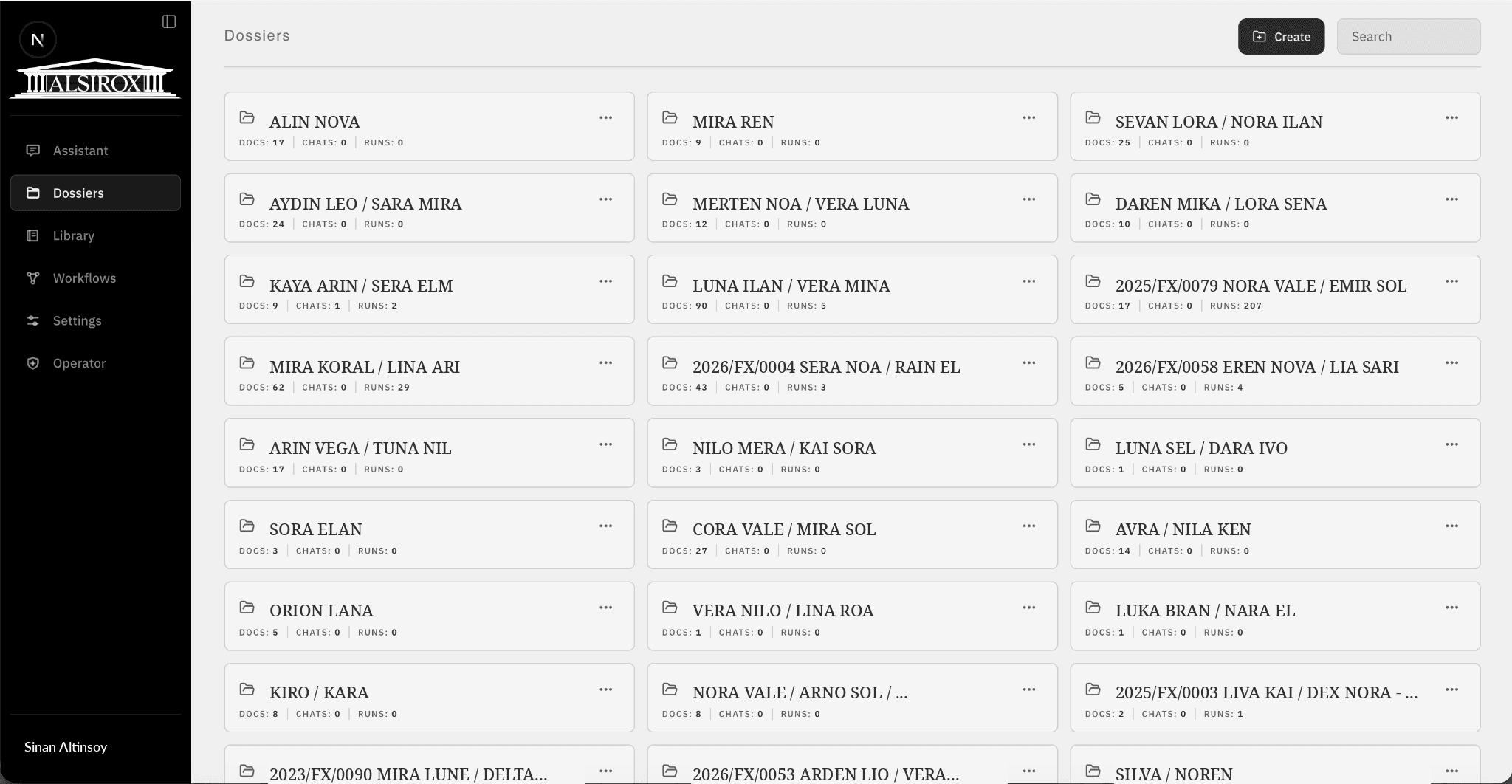
Alsirox currently runs as a secure web workspace. Planned Word, Outlook, and mobile access will keep each matter connected to the tools lawyers already use.
The full dossier workspace — upload, ask, review, build, and draft, all in the browser. No install.
Draft and review inside Microsoft Word, with dossier context and source references attached to the document.
Summarise correspondence threads and pull attachments straight into the matter without leaving the inbox.
Read findings, check support status, and approve or send work back from anywhere between hearings.
Six product areas keep each matter's documents, analyses, drafts, references, access rules, and workflow history together. The workspace supports English, Dutch, and French.
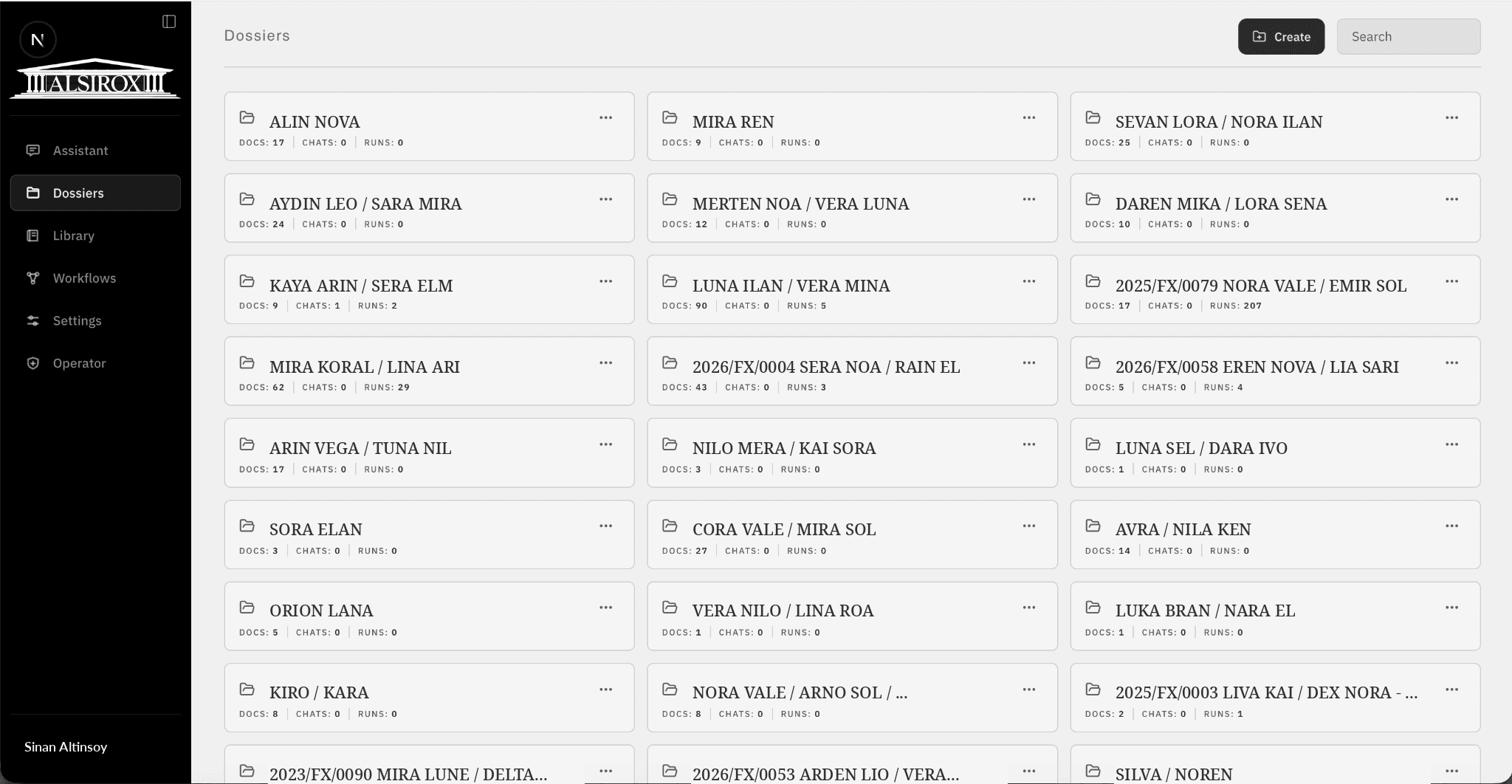
Files, questions, analyses, drafts, access rules, and workflow history organized by matter.
Ask across uploaded files and get answers with visible source passages and support signals.
Compare submissions and evidence to separate supported, thin, and unsupported points.
Turn findings into timelines, issue lists, argument paths, and source-backed outlines.
Reuse templates, precedents, and firm know-how across matters without mixing client files.
Preserve workflow runs, warnings, references, draft versions, and lawyer decisions.
Lawyers spend most of the day in Word. The Alsirox add-in will bring matter context and visible sources to where the drafting already happens — not another window to switch to.
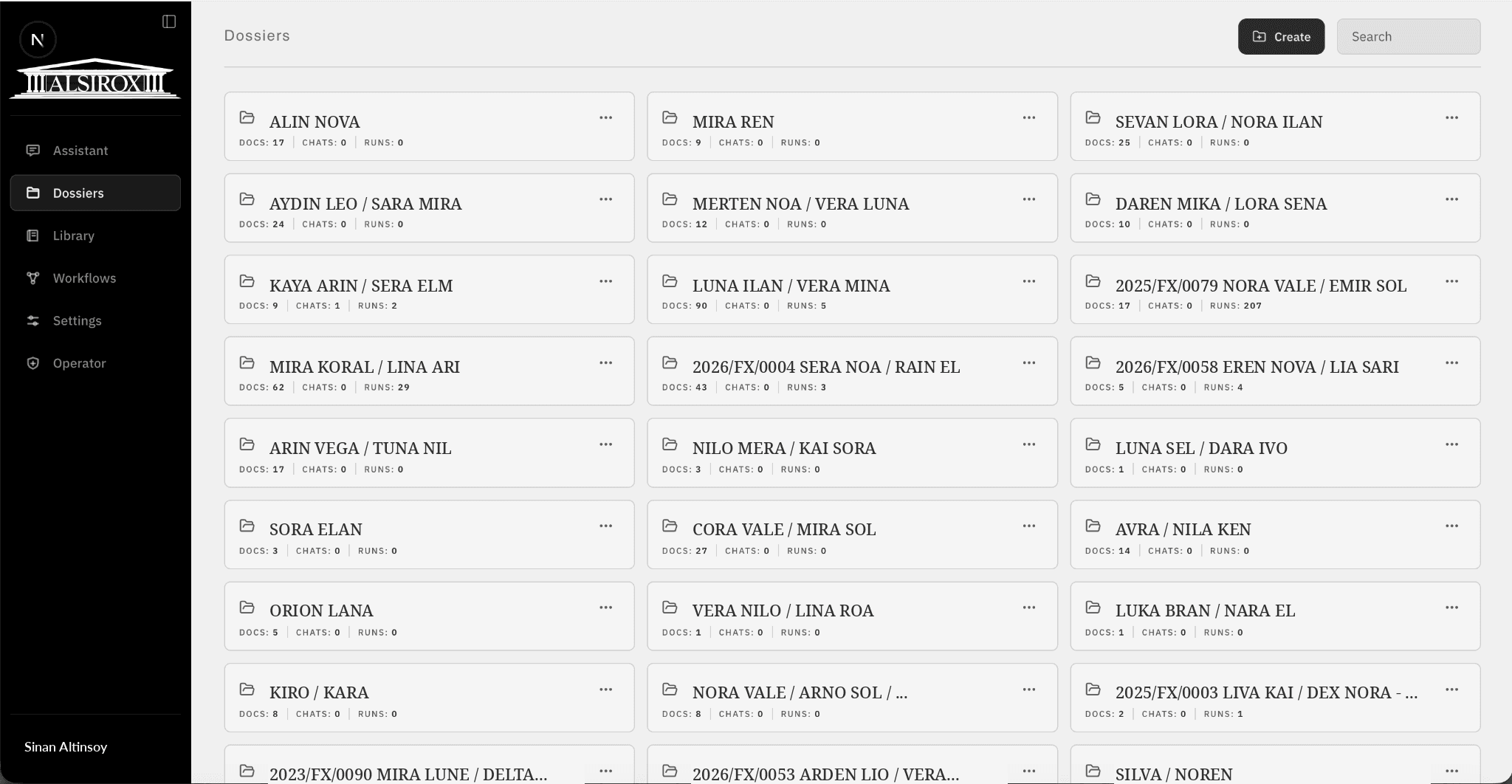
They compound inside the dossier instead of resetting at every prompt.
Dossier documents, correspondence, templates, and shared library material stay in one controlled workspace.
Alsirox checks submissions and correspondence against the dossier and separates supported, thin, and unsupported points.
Findings become timelines, issue lists, argument paths, and response outlines with source references still visible.
First drafts and rewrites use the dossier context, preserve the workflow trail, and remain subject to human review.
Document management and identity integrations are in development. Pull files from the DMS without re-uploading, and govern access through your existing identity provider. Tell us which matters most for your pilot.